
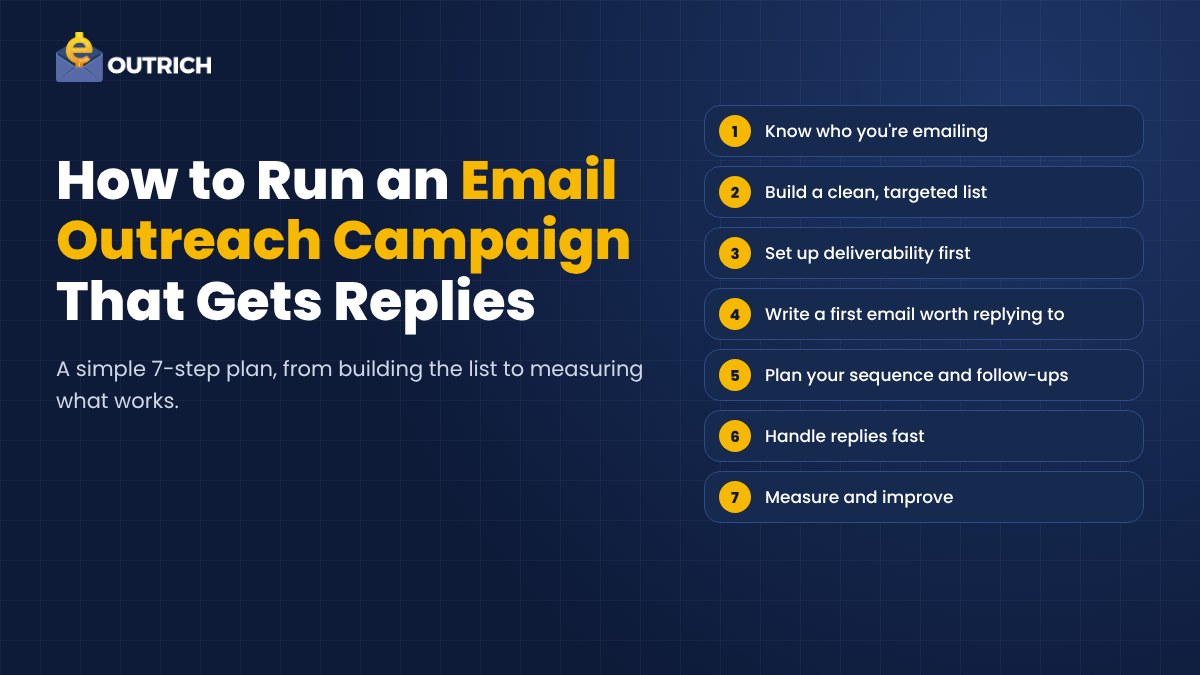
Cold email isn't dead. Bad cold email is.
You know the kind. "Hi {First_Name}, I hope this email finds you well." Three paragraphs about the sender's company. A vague ask at the end. Straight to trash.
So how do you run an email outreach campaign that people actually reply to? That's what this guide covers, step by step, from building your list to measuring results. If you're comparing software instead, take a look at our roundup of the 12 best AI cold email tools in 2026.
Let's build a campaign.
Step 1. Know Exactly Who You're Emailing
Most campaigns fail before the first email is written. They target everyone, so they speak to no one.
Start by describing your ideal prospect. What industry are they in? What's their job title? How big is the company? What problem keeps them up at night that you can actually solve?
Write it down in a few sentences. Every decision that follows, from your list to your subject line, comes back to this.
And pick one goal for the campaign. Booked calls? Demo signups? Partnerships? One goal keeps your emails focused.
Step 2. Build a Clean, Targeted List
A small list of the right people beats a huge list of the wrong ones. Every time.
Find prospects who match your profile. LinkedIn, company websites, industry directories and lead databases are all good sources. For each contact, try to collect more than just a name and email. Their role, a recent company update, something they posted. That's the raw material for personalization later.
Then verify the email addresses before you send anything.
Why? Because bounced emails hurt your sender reputation. Too many bounces and even your good emails start landing in spam.
Step 3. Set Up Deliverability First
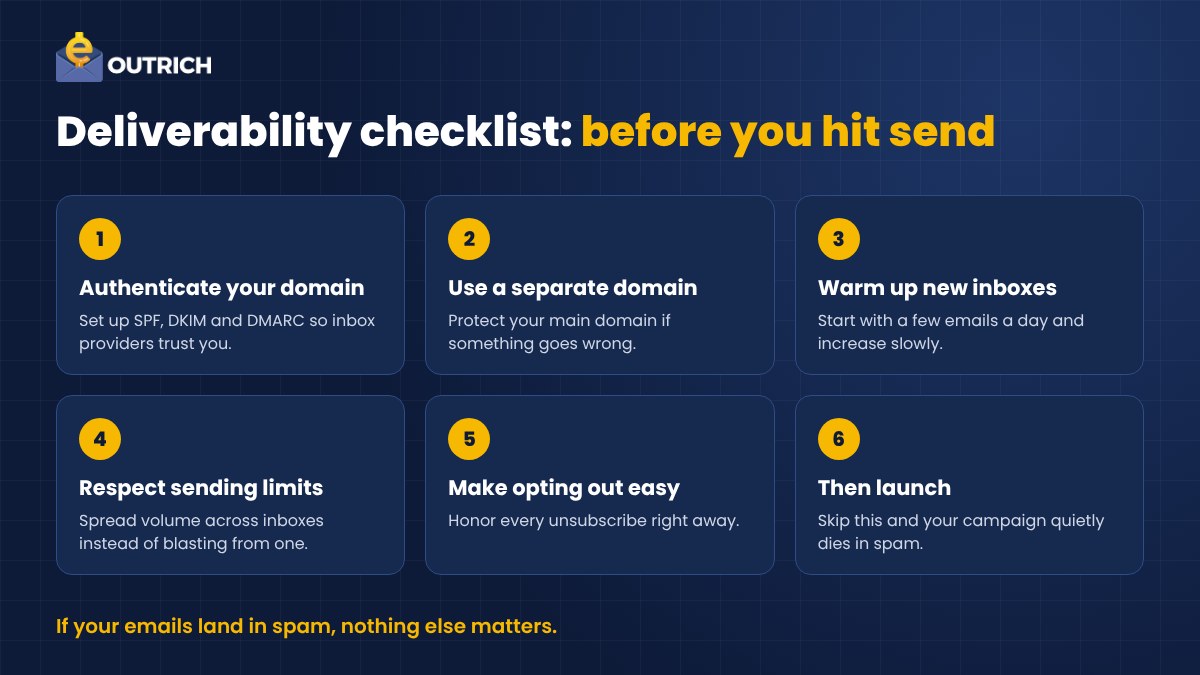
If your emails land in spam, nothing else matters.
This part is technical but it's not hard. Before your first campaign, make sure you've covered these basics.
- Authenticate your domain. Set up SPF, DKIM and DMARC records so inbox providers trust your emails.
- Consider a separate sending domain. It protects your main domain if something goes wrong.
- Warm up new inboxes. Start with a few emails a day and increase slowly.
- Respect sending limits. Spread volume across inboxes rather than blasting from one.
- Make it easy to opt out. And honor every unsubscribe right away.
Boring? A little. But skip it and your whole campaign quietly dies in spam folders.
Step 4. Write a First Email Worth Replying To
Here's the truth about personalization. "Hi {First_Name}" doesn't count anymore.
Real personalization means showing you know something about the person or their company. A recent launch. A job posting. A post they wrote. One relevant line at the start of the email changes everything. That opening line is often called an icebreaker, and it's the single biggest lever on your reply rate.
Then keep the rest short.
- Subject line. Short, specific and plain. It should look like an email from a person, not a newsletter.
- Opening. Your personalized icebreaker. About them, not you.
- The point. One or two sentences on the problem you solve and why it matters to them.
- The ask. One clear, easy call to action. "Worth a quick chat next week?" works better than "Let me know your thoughts."
Aim for something that can be read in under thirty seconds. On a phone.
Read it out loud before sending. Would you reply to it?
Step 5. Plan Your Sequence and Follow-Ups
Most replies don't come from the first email. They come from the follow-ups.
People are busy. Your email arrived during a meeting, got buried and was forgotten. A polite follow-up brings it back.
Most experts recommend three to five follow-ups, spaced several days apart. The key is that each one adds something new. A short case study. A different angle on the problem. A helpful resource. Never just "bumping this to the top of your inbox."
You can also go beyond email. A connection request or a short message on LinkedIn between emails makes you feel more like a real person and less like an automated sequence.
And make your follow-ups smart. If someone clicks your link but doesn't reply, your next email can speak to that interest. If someone replies, they should drop out of the sequence immediately.
Step 6. Handle Replies Fast
You got a reply. Now what?
Speed matters. A prospect who replied an hour ago is still thinking about you. One who replied three days ago has moved on.
Sort replies into buckets. Interested, not now, not the right person, and not interested. Answer the interested ones first. Ask the "not the right person" replies who you should talk to instead. Thank the "not now" ones and set a reminder.
And remove anyone who asks to stop. Right away. No exceptions.
Step 7. Measure and Improve
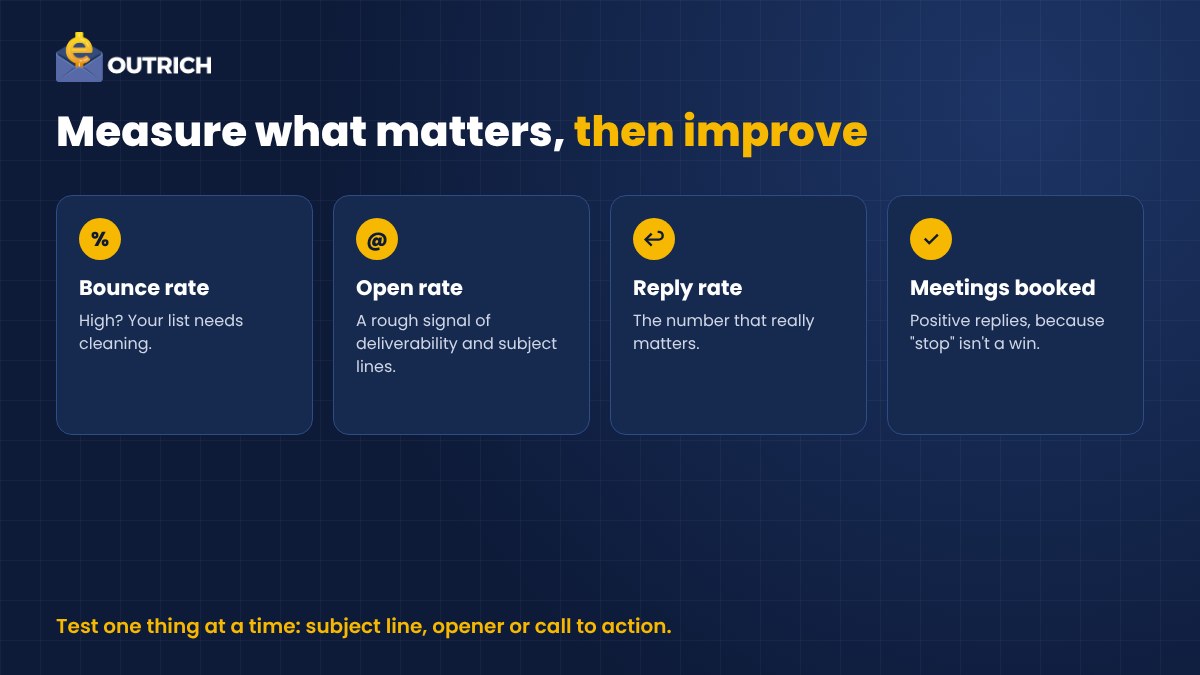
Your first campaign won't be perfect. That's fine. It's a test.
Track these numbers.
- Bounce rate. If it's high, your list needs cleaning.
- Open rate. A rough signal of deliverability and subject lines.
- Reply rate. The number that really matters.
- Positive replies and meetings booked. Because a reply saying "stop" isn't a win.
Then test one thing at a time. Two subject lines. Two openers. Two calls to action. Keep the winner, test something else.
Small improvements add up fast over a few campaigns.
How Outrich Runs This Campaign for You
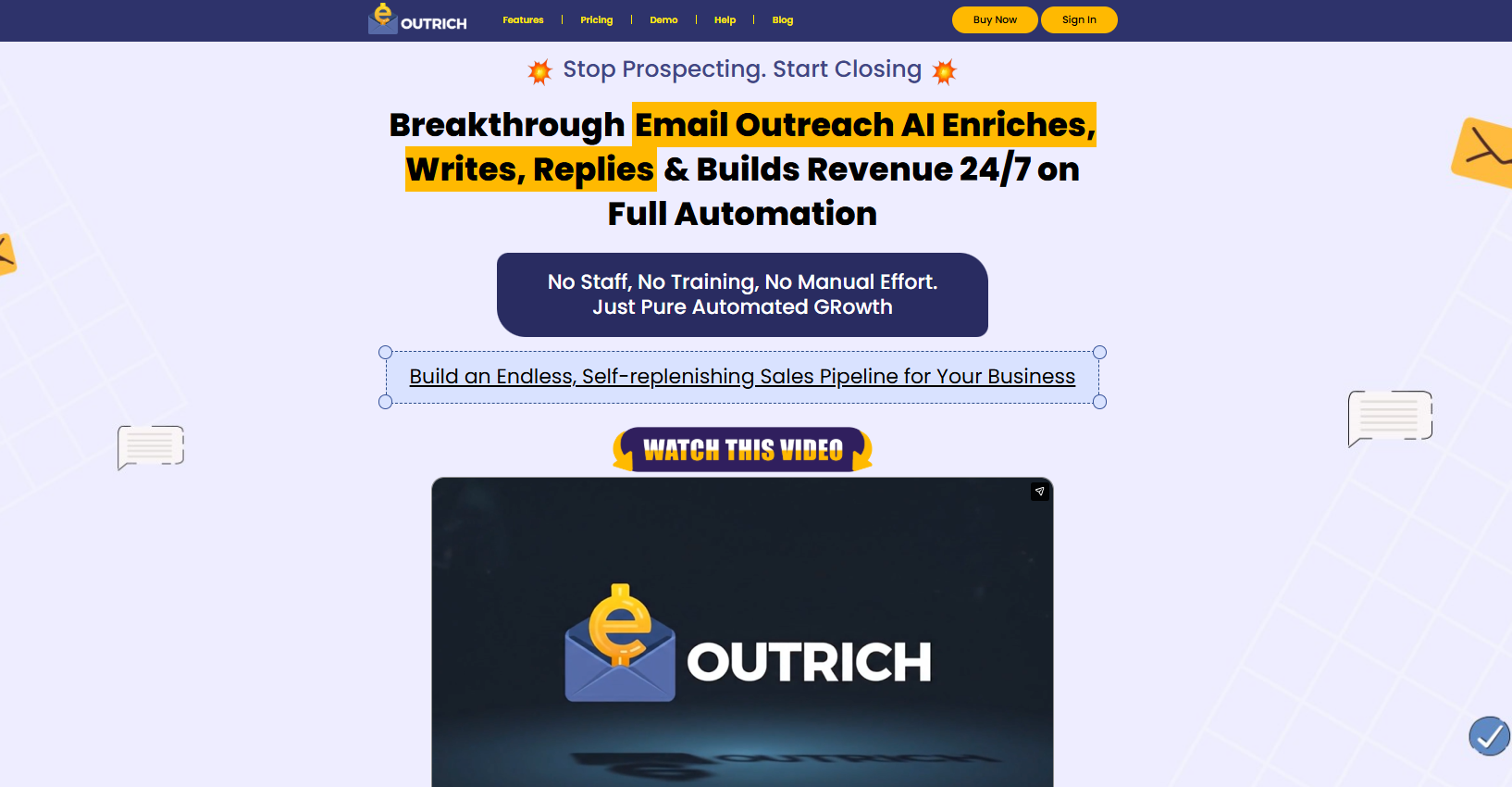
Doing all of this by hand takes hours every week. Research, writing, follow-ups, replies.
That's why we built Outrich. It's an AI outreach tool that handles most of the steps above for you.
- It finds prospects that match who you want to reach.
- AI writes personalized emails, including icebreakers for each prospect.
- It runs your campaigns and follow-ups automatically.
- It drafts replies using your own FAQs and business details.
- It flags interested prospects so you know who to talk to first.
- It stops emailing anyone who unsubscribes.
- A clear analytics dashboard shows what's working.
You step in when a lead is warm. Not before.
Outrich costs $17 a month or $67 a year.
Other Tools That Can Help
Some teams like to mix tools for different jobs. Apollo is popular for its contact database. Lemlist is known for personalized images and videos. Woodpecker and Smartlead focus heavily on deliverability and sending at scale.
Want the full comparison with pricing? Here's our guide to the best AI cold email tools in 2026.
Final Thoughts
A campaign that gets replies isn't about sending more emails. It's about sending better ones to the right people.
Know your prospect. Clean your list. Protect your deliverability. Personalize the opening. Follow up with value. Reply fast. Measure everything.
Then do it again, a little better each time.
FAQs About Email Outreach Campaigns
How is email outreach different from email marketing?
Outreach starts one-to-one conversations with people who don't know you yet. Email marketing sends newsletters and promotions to people who already subscribed. Different tone, different tools, different strategy.
How many follow-up emails should I send?
Most experts recommend three to five, spaced several days apart. Each one should add new value or take a different angle.
What matters most for getting replies?
Deliverability first, because an email in spam can't get a reply. After that, relevant personalization and a clear, easy ask.